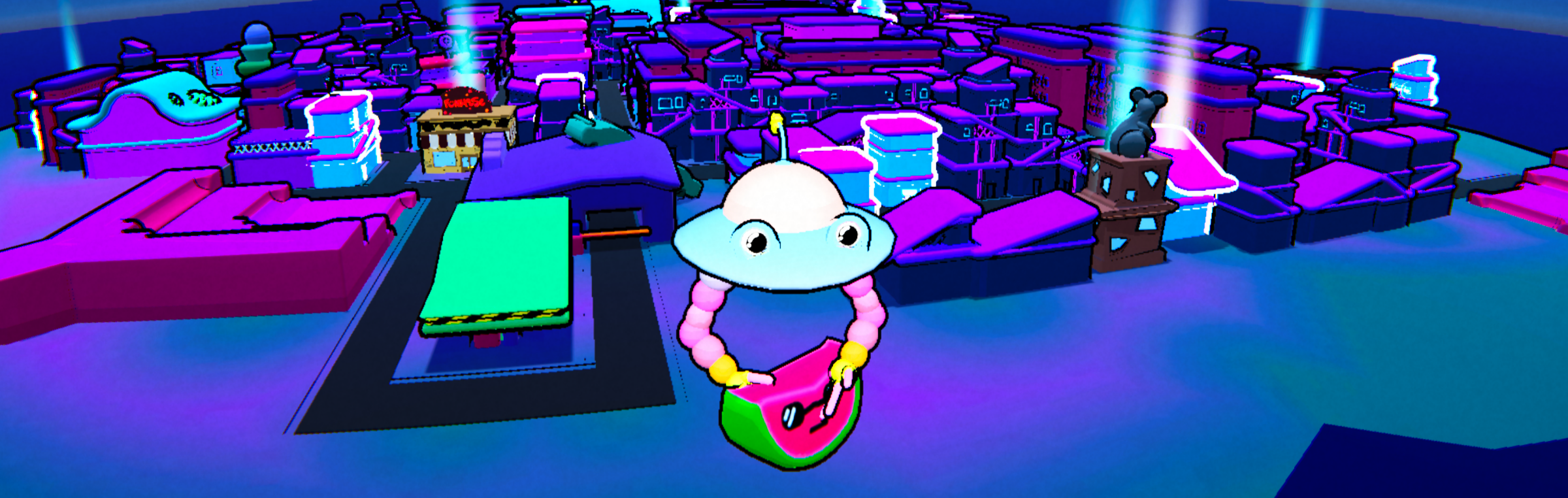
Shuttlefrog
Co-op gyro mayhem wrapped up in a cute little mobile package. Available on Github.
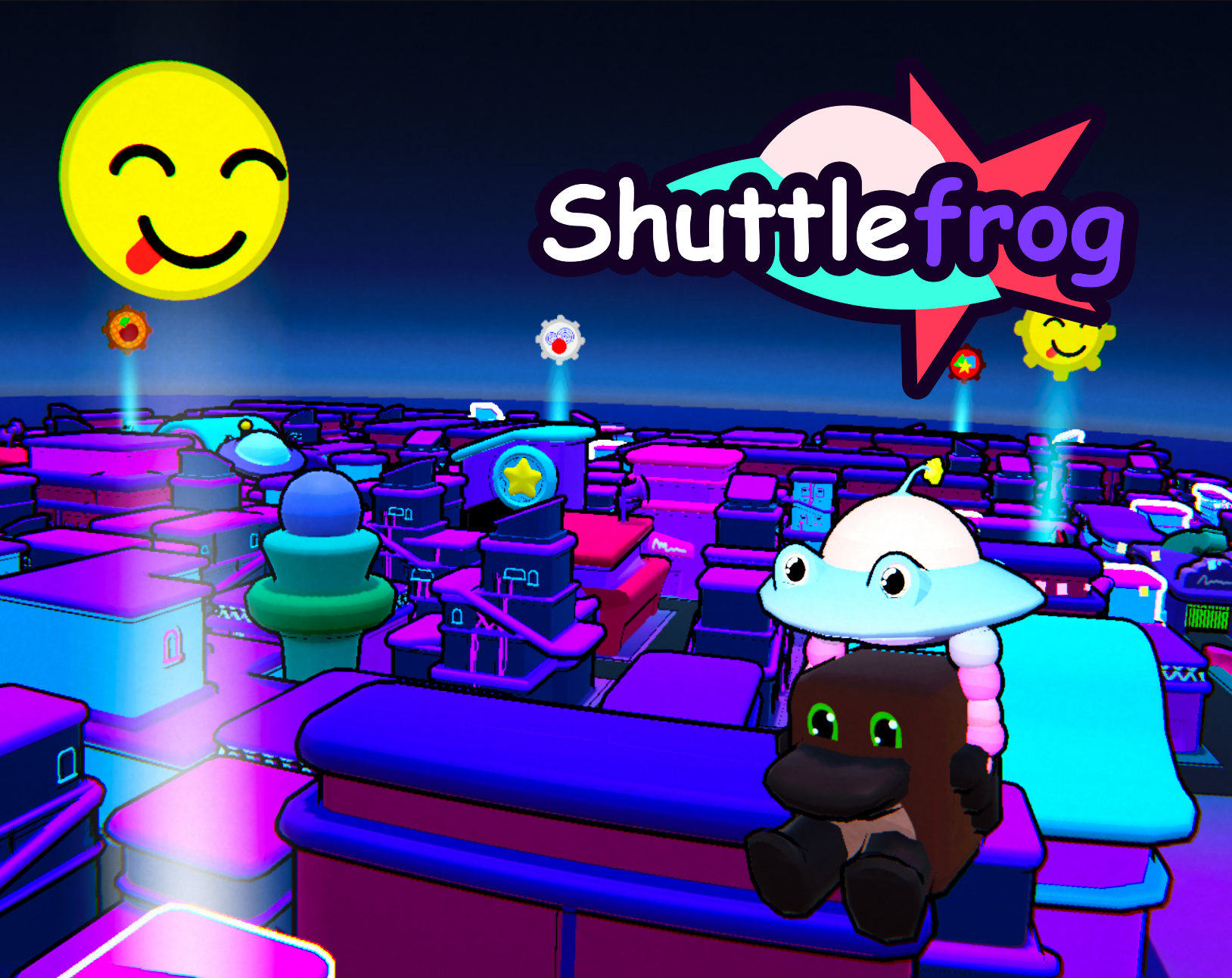
Team Project of 5
I was Lead Designer, fully responsible for the entire gameplay loop and experience. Our other designer worked on programming.
2025
10 weeks of development.Released on December 2nd.
Unity
Github, Affinity (Designer), Miro.
Summary & Overview
Shuttlefrog was a school group project success story. As the Lead Designer of the project I was delighted when we were told our school, HKU, wanted to showcase our game at Dutch Game Week 2025. We were the only group that got the opportunity to do so.
The assignment entailed working with new technologies and incorporating elements of the real world into the gameplay experience, creating a sort of mixed reality experience. On this page, I'd like to go into detail on the steps I and the team took when designing the game, to end up with something fun, unique and memorable.
Rapid Prototyping
As with any team effort, we started with collective brainstorming sessions and various conceptualizing steps. I usually took leadership in these meetings, and we ended up with a variety of interests and ideas, with a mutual interest in gyro-controls. I immediately got to work on prototyping and experimentation, building a few quick little games for mobile.
Gyrodrone
I started by porting a drone flying sim I once made to android, and adding in the functionality to turn horizontally with the phone's gyroscope. This had a huge impact on the way the game felt, and it was the first time I'd experimented with having gyro play such a prominent role.
A drone-sim prototype with gyro-controls.
A racing-sim prototype with gyro-controls.
Gyrodrift
Another prototype I quickly put together entailed that same gyroscopic horizontal rotation code in the setting of a loose racing game. Physically steering isn't anything new for racing games, but it's never done on this axis, which requires you to turn your whole body to face the other direction.
Discovery through Play
When I wanted to show off the drone-sim prototype to my team members, I asked one of them to hold the phone for me, as I had no means of attaching my phone to the controller I'd brought with me.
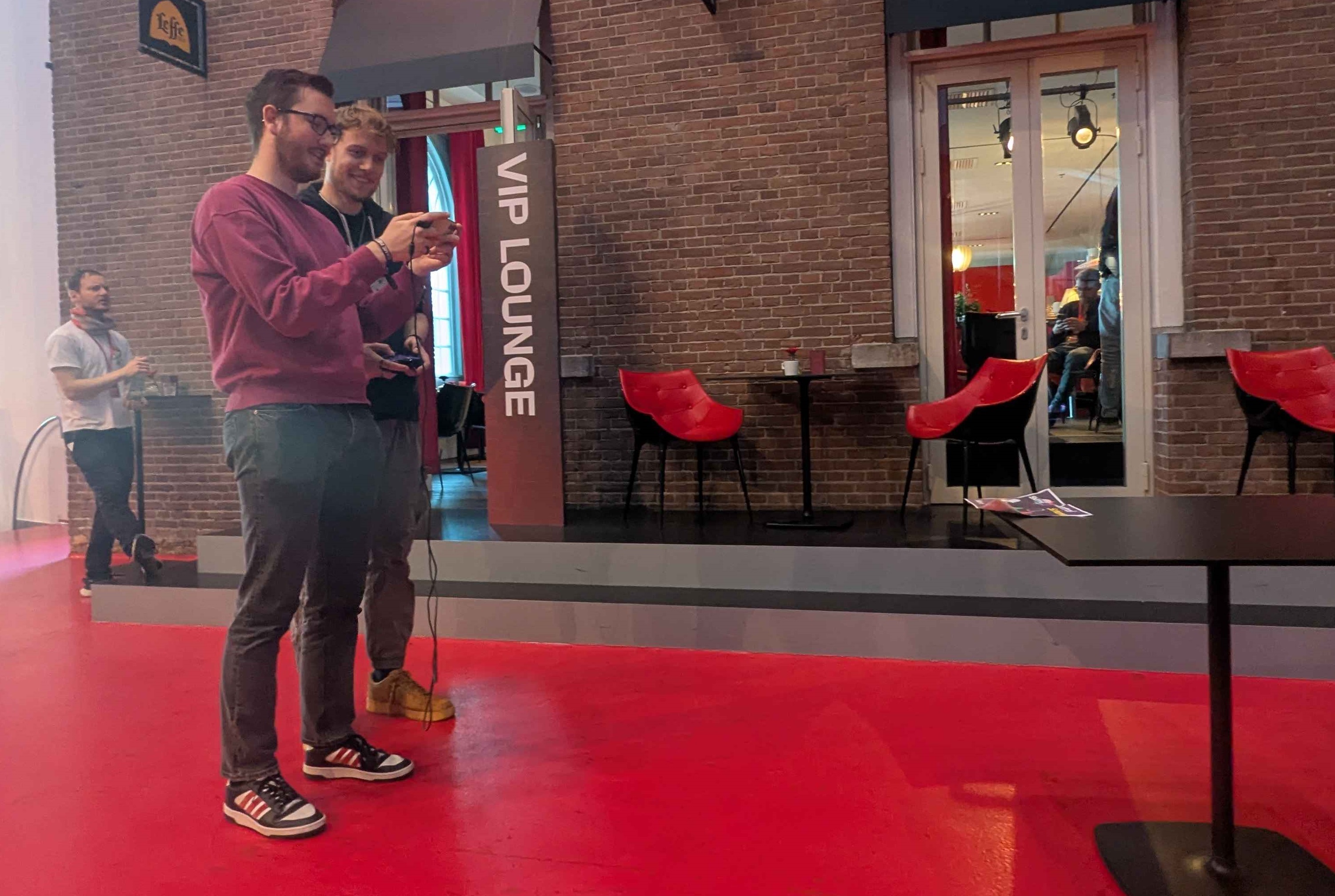
Two people playing our game at Dutch Game Week.
This once again completely changed the way the game felt, it had now turned into a co-op game, with one player in control of the drone and the other player in control of the camera and turning, requiring constant communication.
This accidental discovery was incredibly fun! The whole group agreed and we settled on developing a chaotic mobile co-op gyro-controlled movement-based game.
Continuous Iteration
I was constantly testing, reworking, researching and improving on our games foundation and high level systems, mostly through feedback, sketches and a Design Doc I was constantly updating. By virtue of being the only team member dedicated to design, I ended up spending little to no time writing or modifying code, instead focused on the core gameplay loop, complete user experience and a variety of smaller tasks.
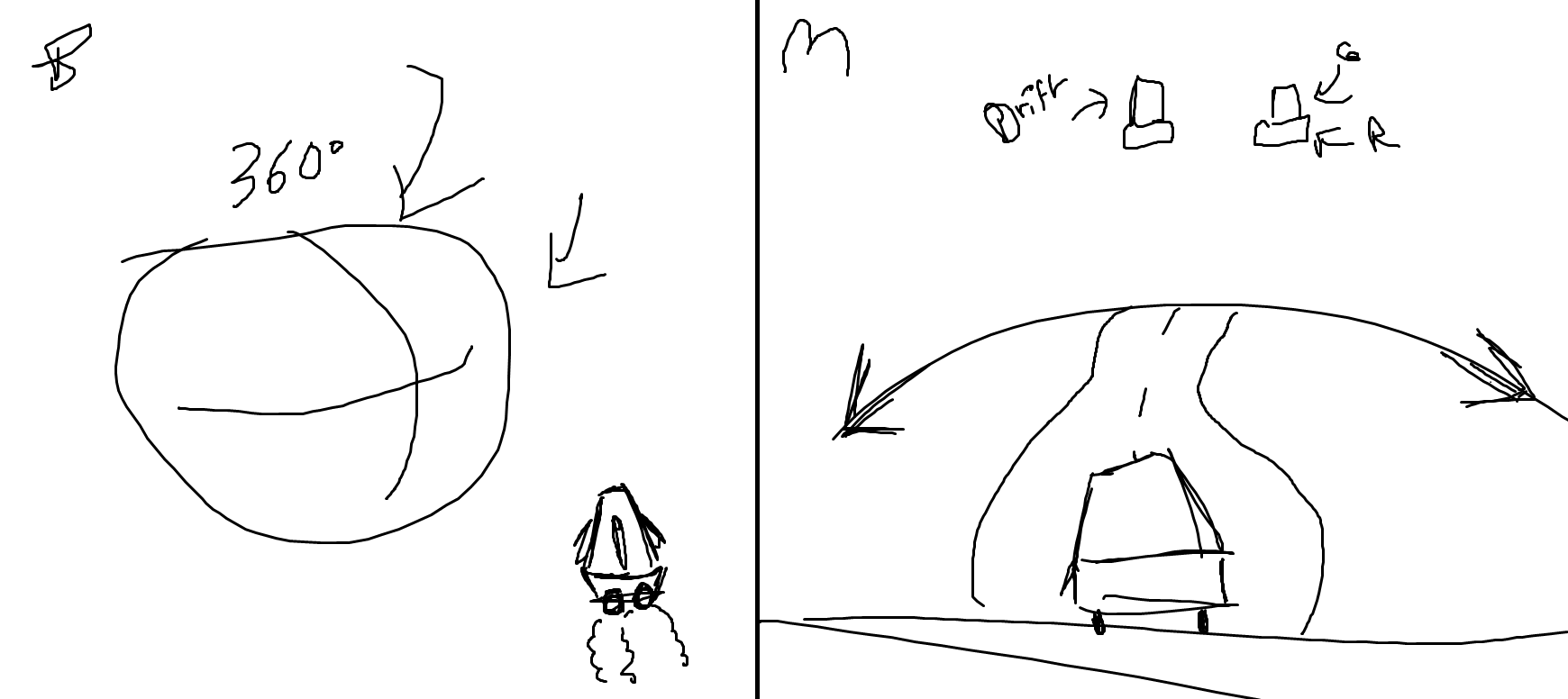
A very rough A/B mockup I made, comparing 360 degree gyro to 1 axis.
Internal A/B Testing
Together with our quick and experienced developer Bas de Reus, we split up A/B prototyping tasks among the two of us. Throughout the whole process I made sure to constantly remain critical and curious about every little detail, to ensure the highest standard of quality.
A Solid Core
A few core design pillars were essential throughout the entire design process. We decided very early that the visual theming of our game would have to do with Claw machines, and that the game would be controlled through an Arcade Stick.
We also decided early on that our game was meant to be chaotic and time-based.
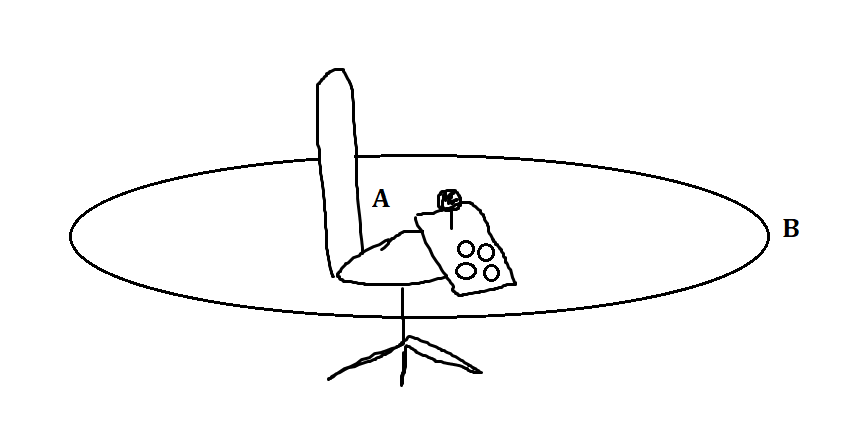
A rough sketch I did of the two player control scheme.
Researching Design Decisions
Early on I spent a lot of time looking into reference material, seeking out similar games and projects. Crazy Taxi and Katamari Damacy were two big sources of inspiration. We also spent a lot of time on (A/B) playtesting later on in the project to confirm or test other design choices.
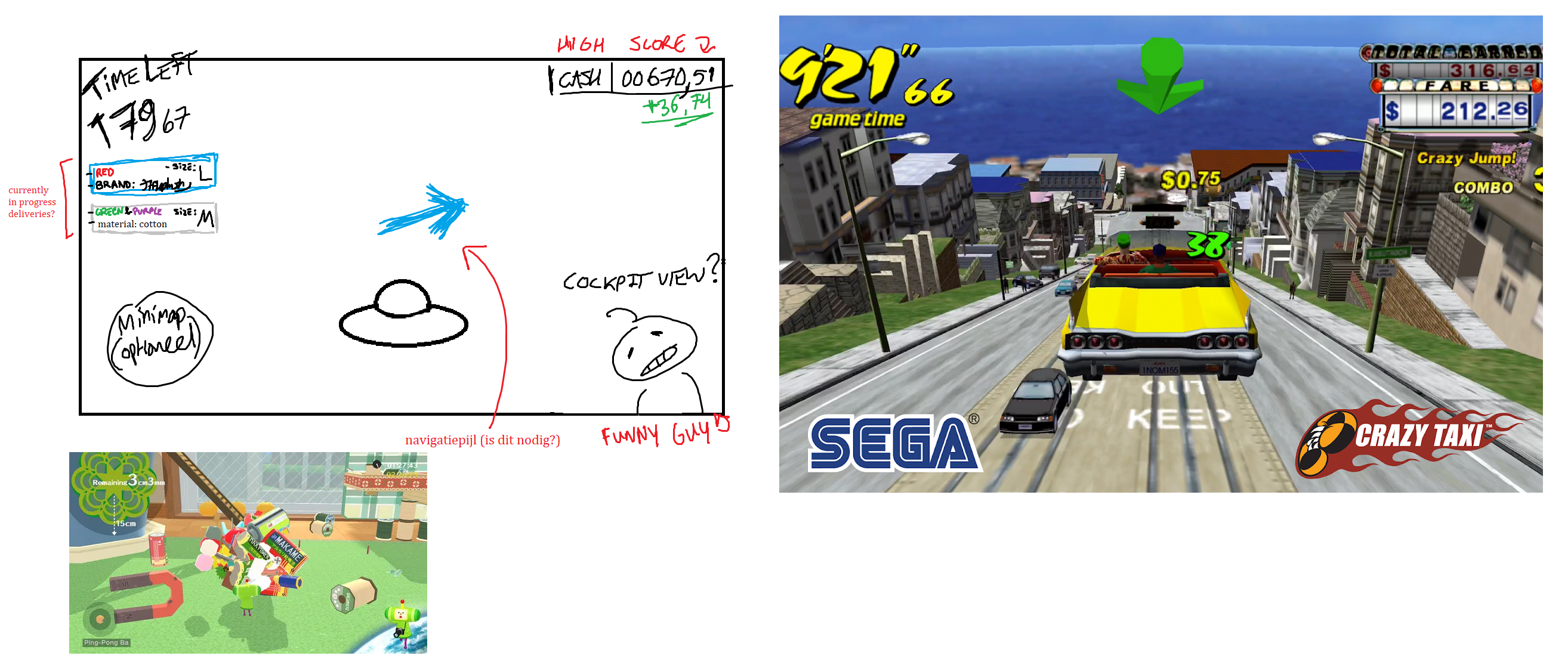
An early mockup image I put together to illustrate the game and UI to my team members.
Playtesting & Showcasing
Once our prototype was in a rough but playable state, we immediately got our game into the hands of playtesters, with a focus on testing out our intro sequence and gameplay systems, we also used it as an opportunity to A/B test the exact values for our timer and movement speed.
A (dutch) video analysis of our playtests I put together.
Balancing & Difficulty
Something I learned throughout the course of this project specifically was how much attention and care has to go into difficulty design.
You're usually the best at your own game, and while figuring out a semi-optimal route isn't difficult, it's not something players immediately pick up on, the first time user experience is very important, especially in an exposition setting.
I ended up setting the time limit to more than double the time I could finish the level in myself, and this proved to end up striking a near perfect balance in difficulty, often being feasibly beatable in 1-2 attempts.
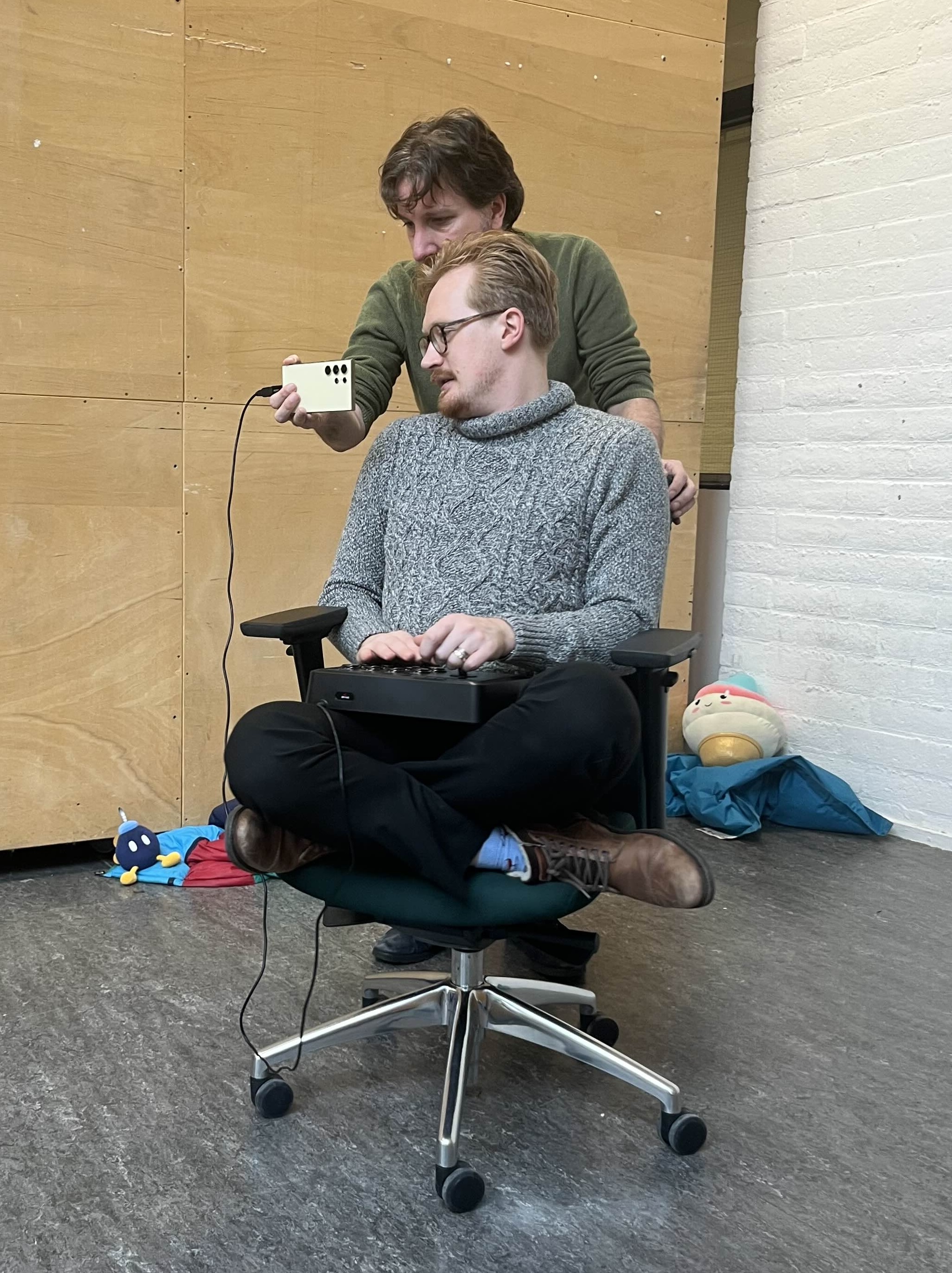
HKU-teachers Wiebe & Friso playing our game.
Dutch Game Week 2025
Our HKU year 2 study-leader Karen Groeneveld reached out to our group after our final exposition at school, offering an exclusive opportunity to showcase our project. Only two tickets were available for this so I was personally unable to go, but I did help with some final touches and adjustments for the slightly different setting our game would be showcased in, like updating the control scheme to work on a regular controller instead of my arcade stick.
A gameplay video of our original school-project version, this gameplay footage was recorded on keyboard by a team member.
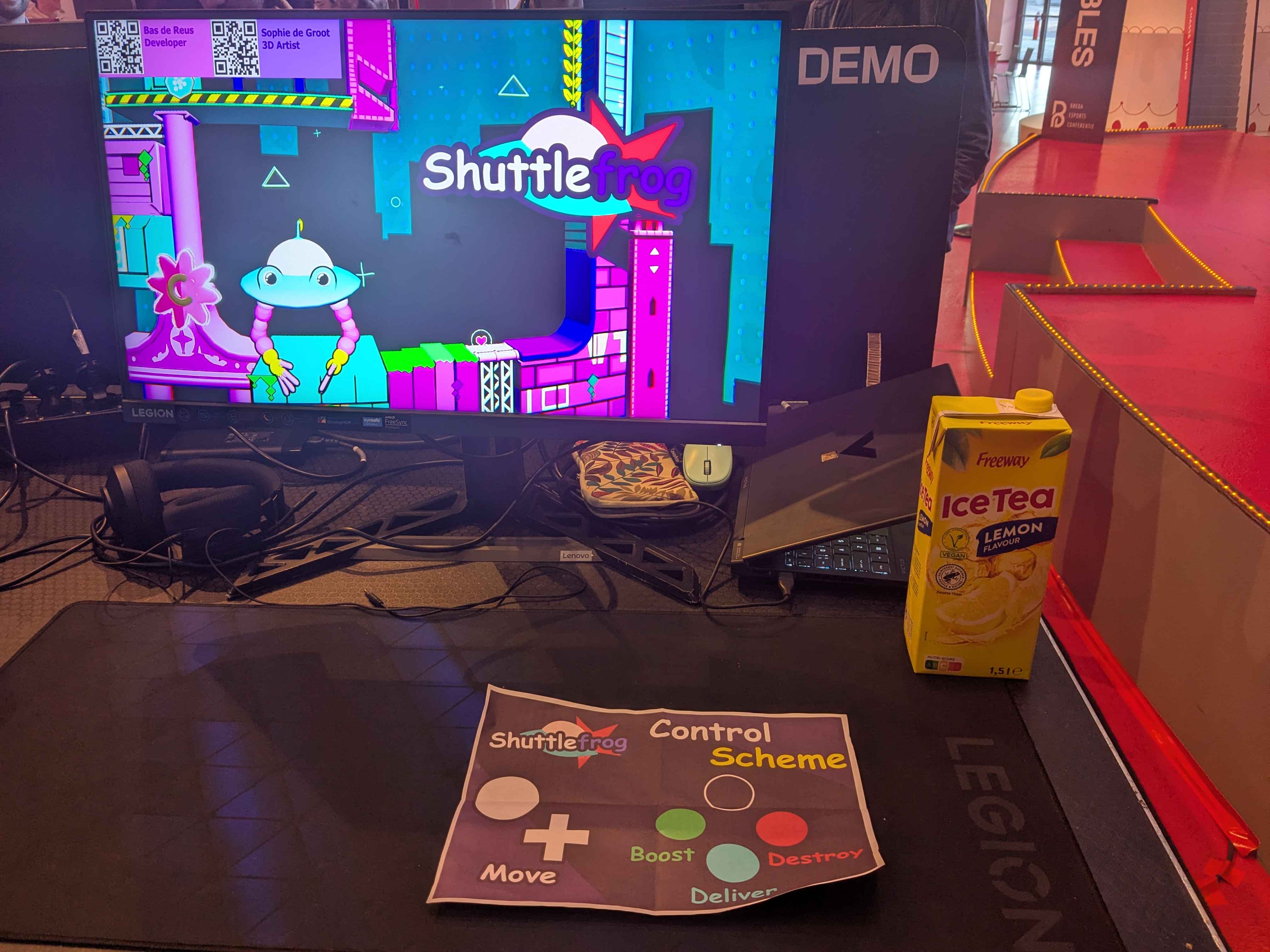
Our setup at Dutch Game Week 2025.
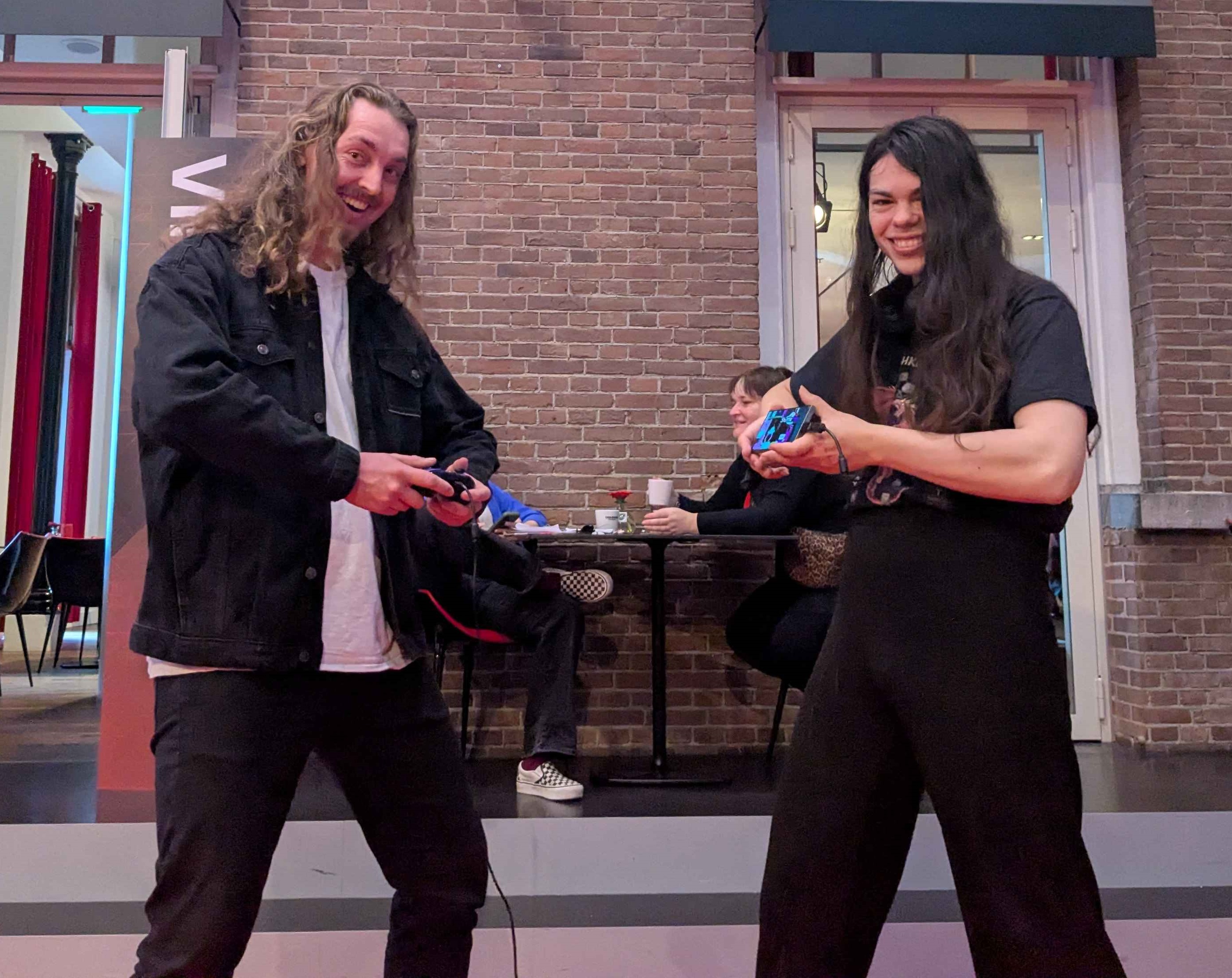
Team members Bas and Sophie at DGW.
Teamwork & Tasks
Communication & Visuals
Something I think went well this project was communication between each of our team members, and the way I visualized and explained mechanics and design decisions.
As Design Lead I was in touch with every team member, and I made sure to explain and document my ideas and changes, on top of implementing or working on them myself.
I'd like to show off a few of my behind the scenes MS Paint scribbles here.
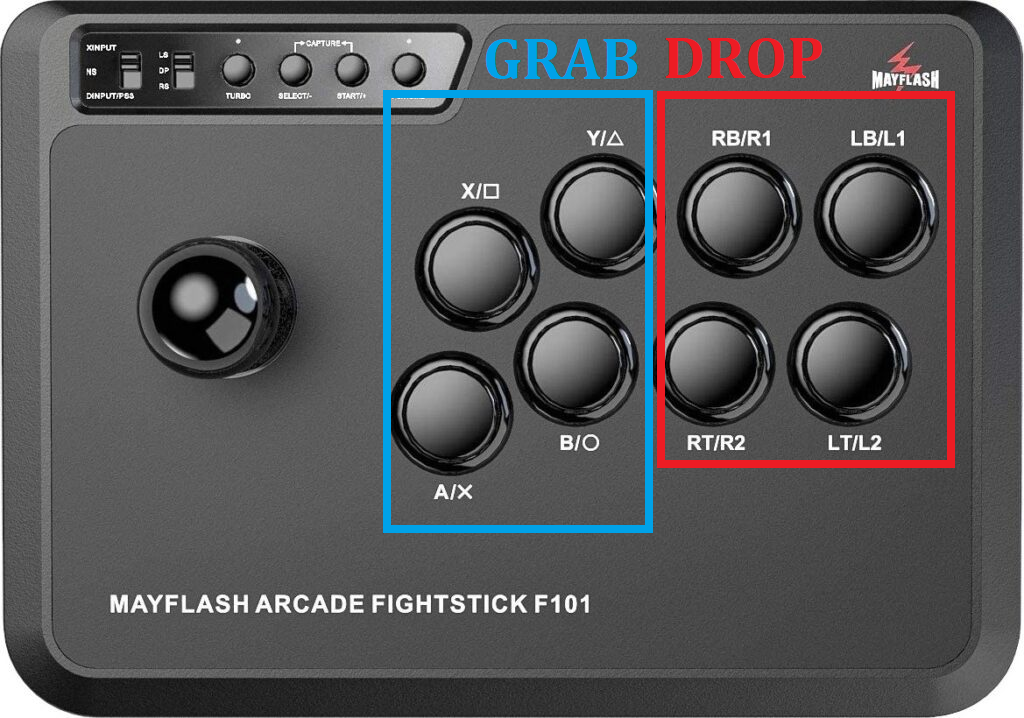
Quick image I shared through discord, explaining our original control scheme.
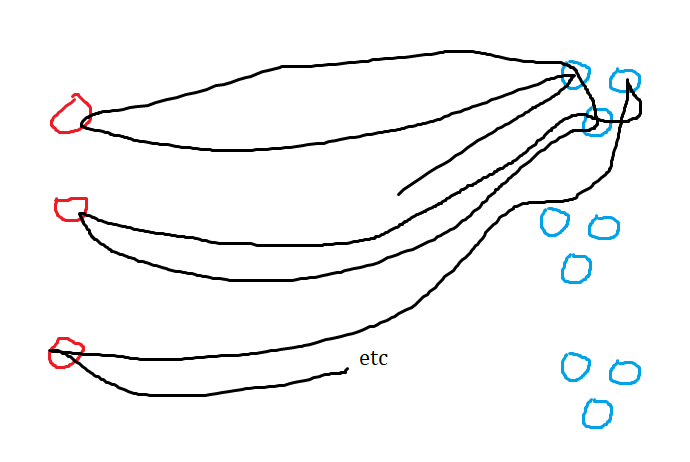
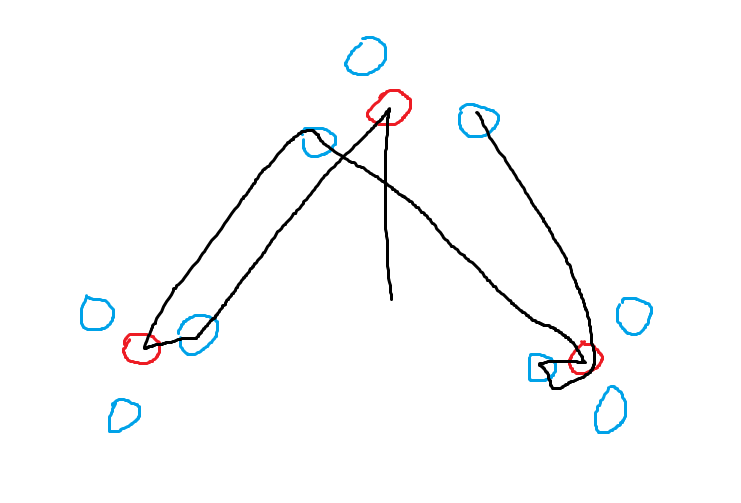
Here's two comparison images I drew, explaining my thoughts behind map design for our game, with a focus on constant action and minimizing downtime.
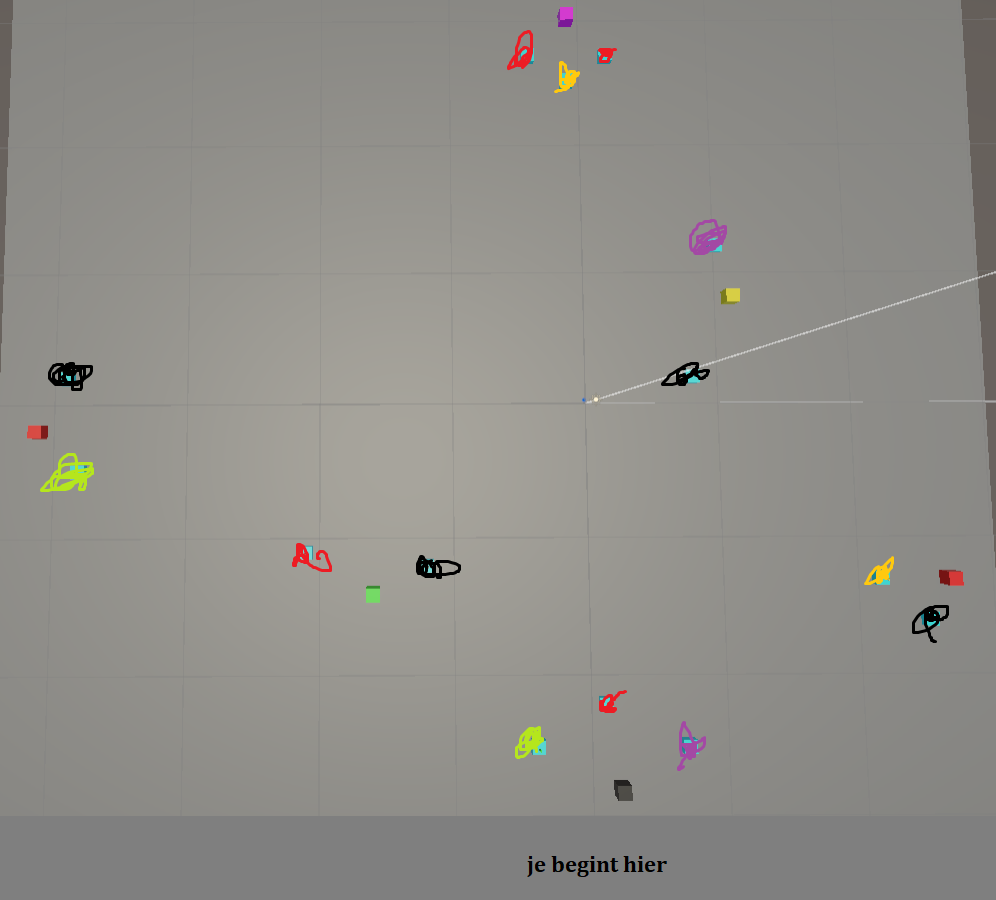
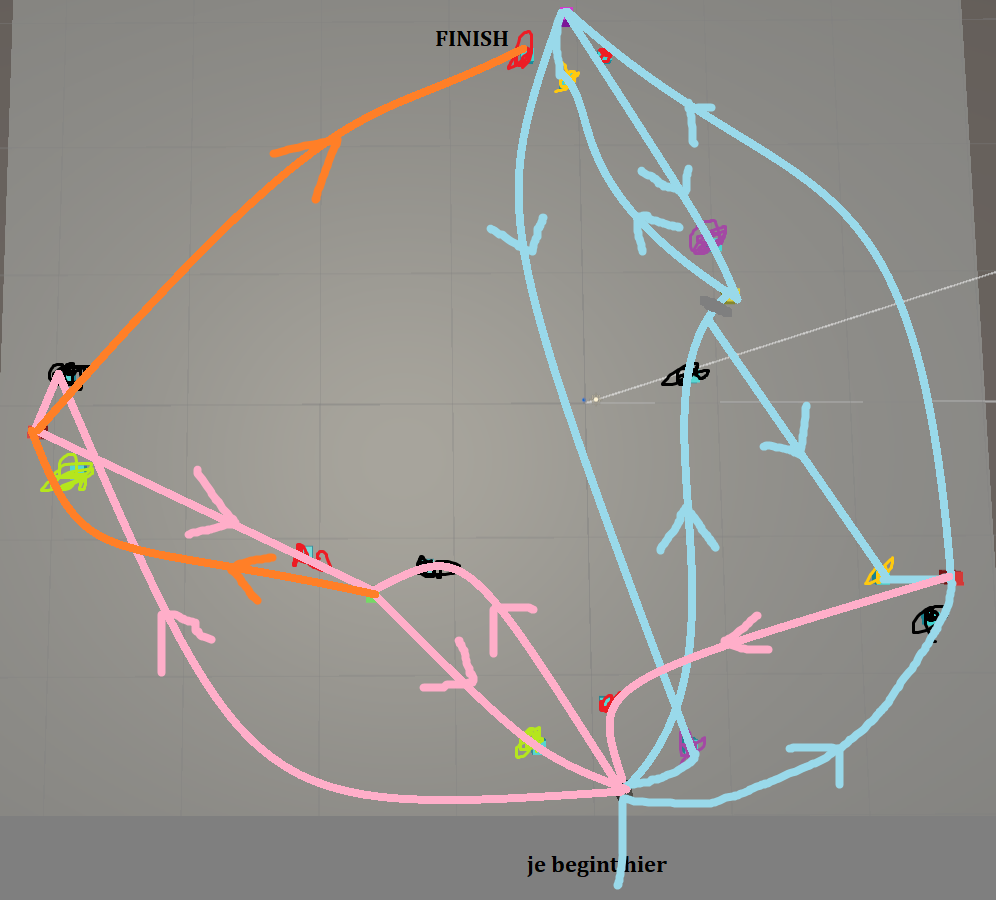
And here's the sketches I drew for sharing the final layout and shop locations visually. The second image features (one of the) optimal routes through the game, which I'd made sure worked without unnecessary backtracking.
These images were maybe not the most detailed or clear, but they definitely helped in forming a vision of the game to the rest of the team.
The Shuttlefrog logo!
Miscellaneous Work
I took a lot of other smaller work upon myself, such as all Graphic Design related visuals, which I had a lot of fun learning and doing. I also helped with the game's narrative, fixing the implementation of art assets, and adding text to the intro illustrations.
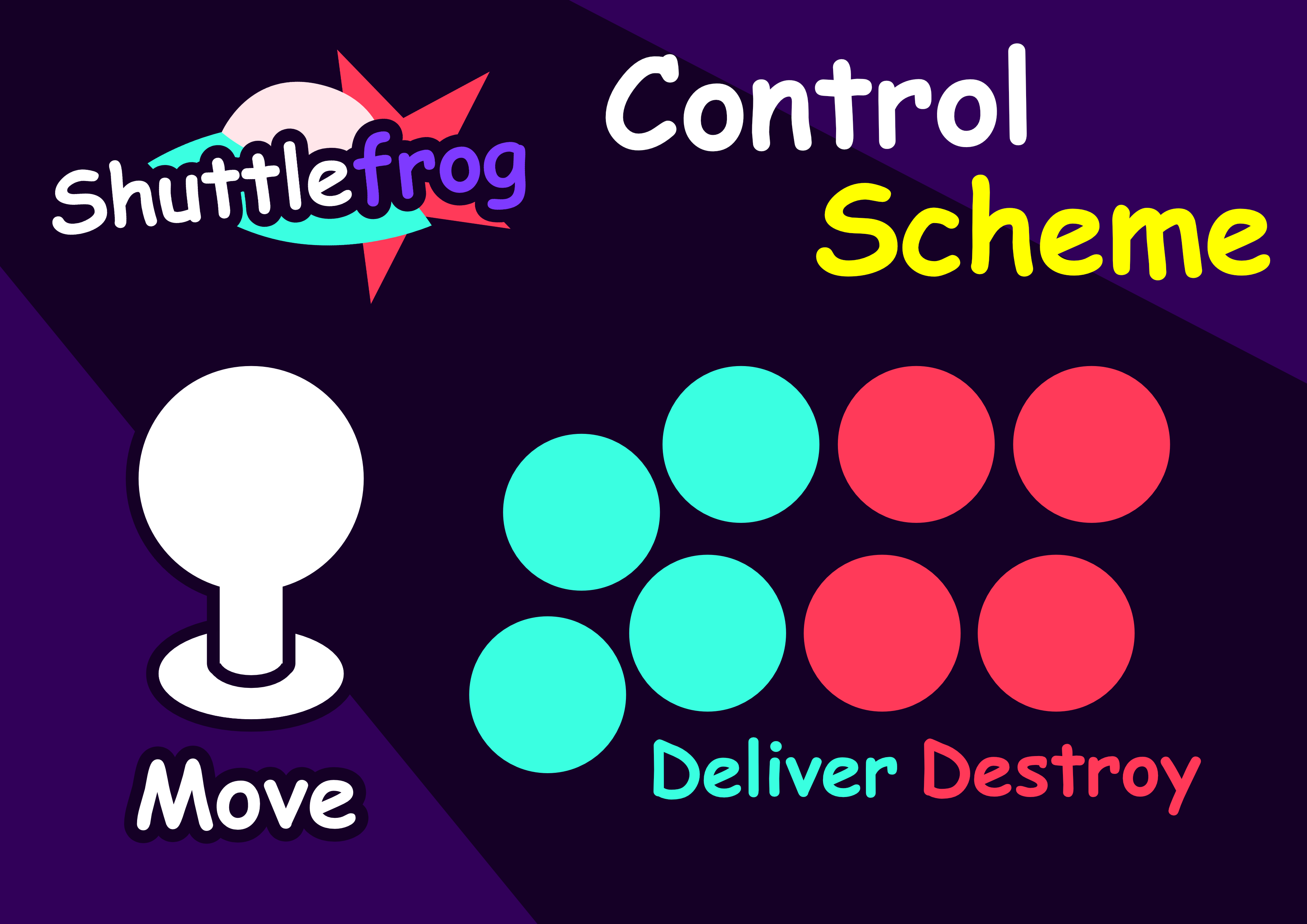
My arcade stick control scheme image.
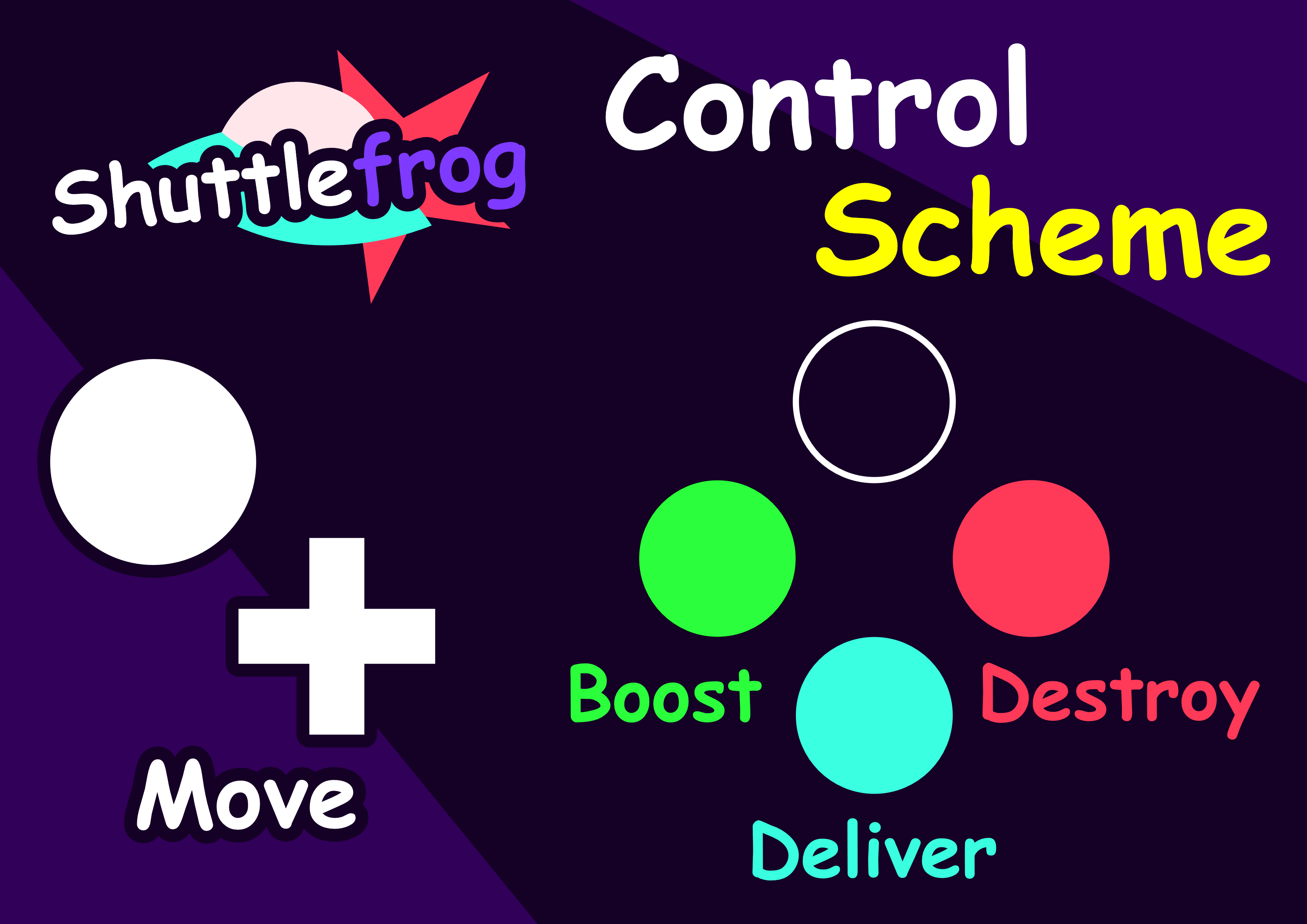
My (updated) generic controller scheme.

The in-game store icons, made by me!
Post Mortem
We got assigned random groups for this project, and while we had a few troubles early on, most notably because of a stubborn team member that ended up leaving our group, it ended up all going smoothly from there.
The project started off as a simple, but immediately fun concept, and with our execution working as well as it did, I'm proud to have been the Lead Designer on Shuttlefrog!